UX writing & Style Guideline project sample (NRG)
Client:
Role:
Marketing Reseach UX writing & style guideline
Year:
2024

The Challenge
This projects purpose was to fix an internal tool error message and update the UI.
Scenario: A notification within an internal tool informing users about an update to their campaign metrics.
Before:
“The data from your current campaign has been updated. Please review the new metrics for accuracy and performance.”
After (Refined UX-focused version):
“Campaign data updated. Check the latest metrics for performance insights.”
Explanation:
Clarity: The message is direct and clearly tells the user what has happened and what they need to do next.
Brevity: The revised version removes unnecessary wording, making the message more concise.
Tone: Professional and straightforward, aligning with NRG’s focus on data-driven insights.
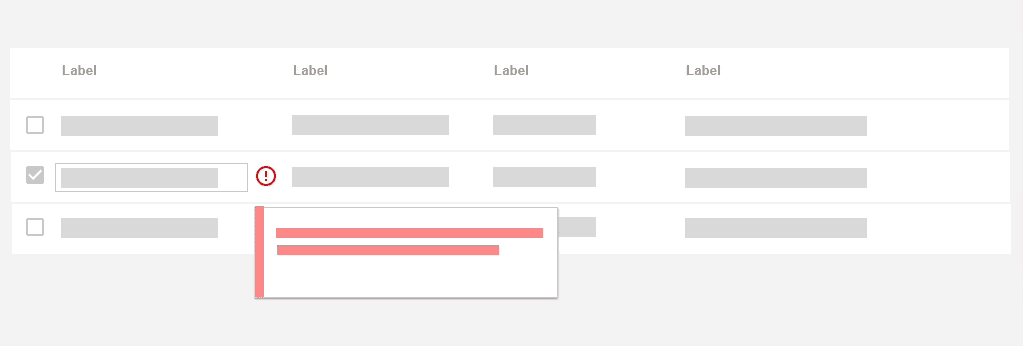
Process
Voice: The voice should be clear, professional, and focused on delivering actionable insights. Users should be able to quickly understand updates and make informed decisions.
Tone Variations:
Informative Tone (for updates on campaign performance):
“New metrics available. Click ‘View Report’ for detailed performance analysis.”
Guiding Tone (for instructional prompts):
“To export data, select the desired range and click ‘Download.’”
Neutral and Reassuring Tone (for error messages):
“Data could not be retrieved. Check your connection and try again.”
Grammar and Punctuation:
Use short, straightforward sentences that clearly state actions or results.
Incorporate contractions where appropriate to maintain a conversational, yet professional tone (e.g., “You’re,” “We’ve”).
Avoid using exclamation marks to keep the tone formal and focused.
For error messages, always state the issue first, then offer a solution (e.g., “Unable to update metrics. Please refresh the page and try again.”).
Terminology:
Consistent terminology is key. For example, always use “metrics” for data performance instead of alternating with “statistics” or “data points.”
Actions should be described consistently. If “Generate Report” is used in one part of the tool, it should not change to “Create Report” in another.
Consistency:
Ensure uniformity across the tool’s UI. Button text, feedback messages, and prompts should follow the same structure and phrasing for a seamless user experience.
When presenting data insights or performance feedback, use consistent phrasing to build familiarity with users, such as “Performance Metrics Updated” across all relevant notifications.
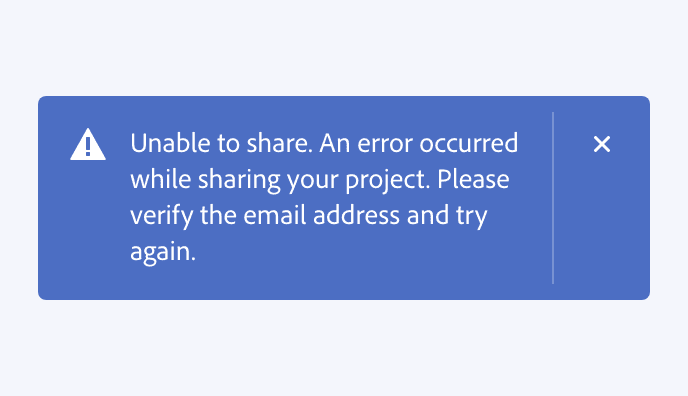
The Image above shows an example of a error message that is too dense and does not convey the clear point across efficiently.
Solution
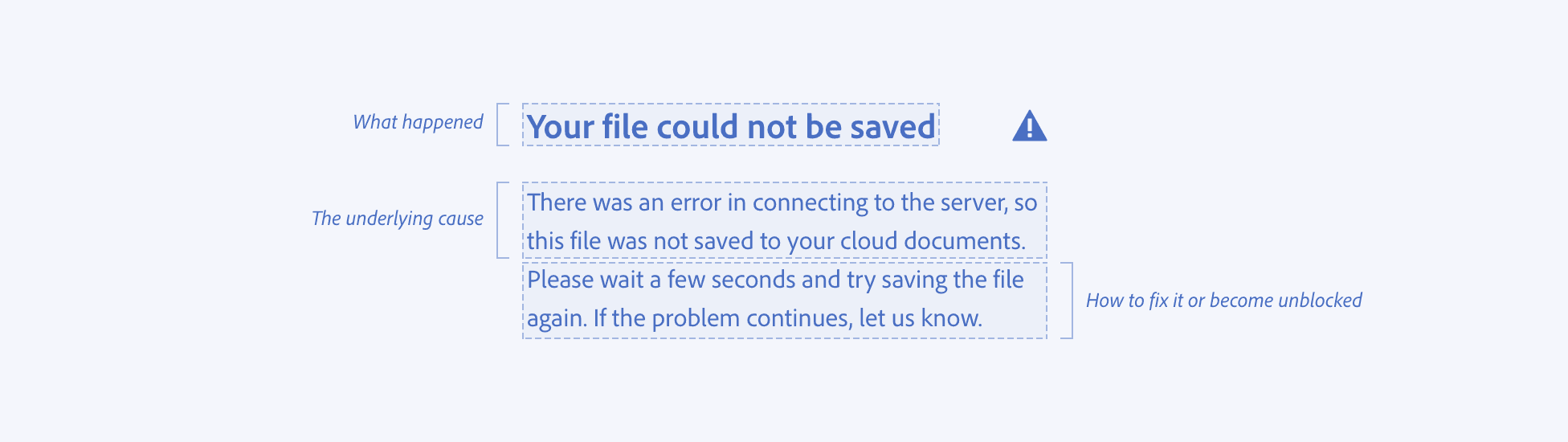
Anatomy of an Error message
This hows how messages should be constructed to follow the style guide