software learning project
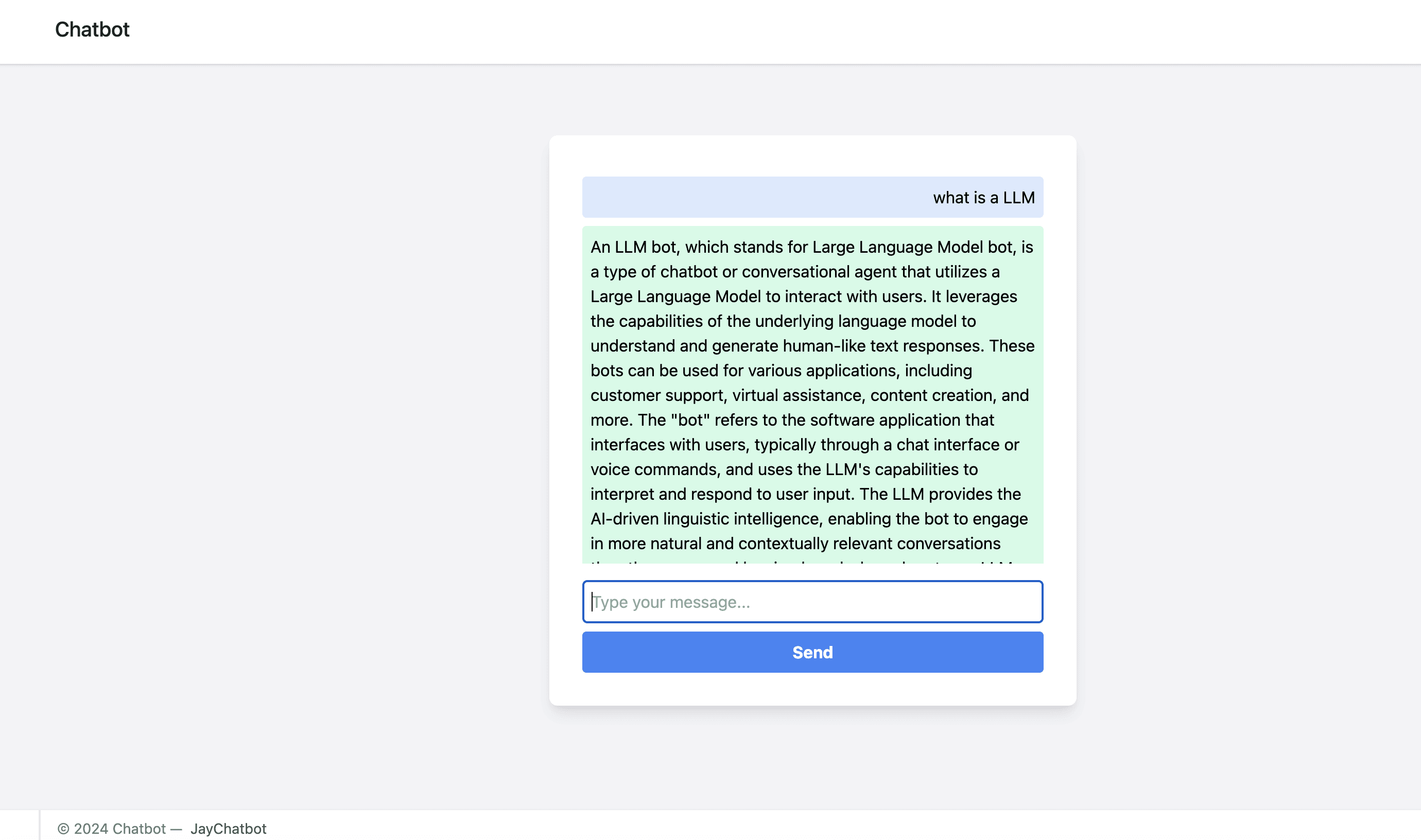
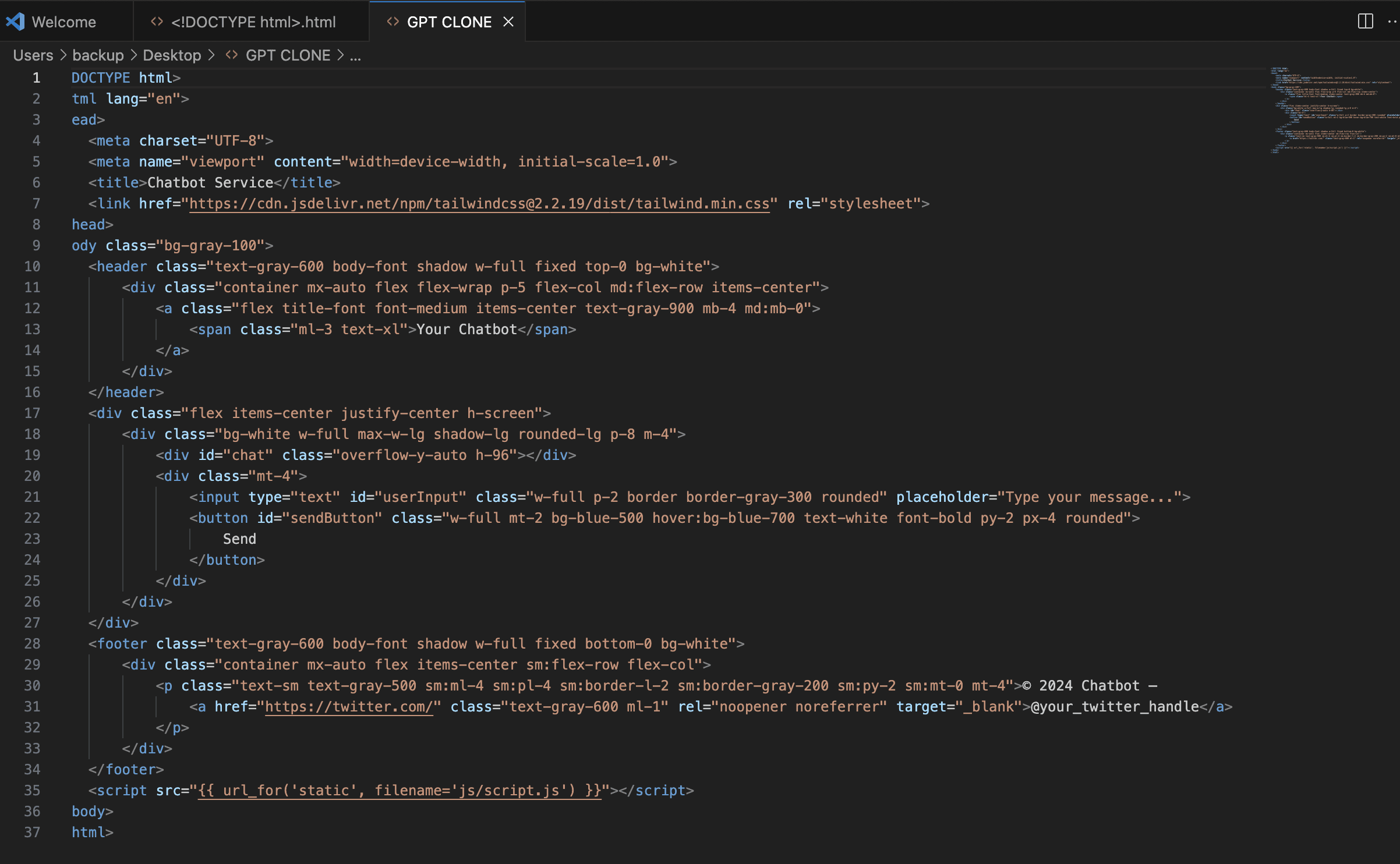
Structuring the HTML I started by laying out the basic HTML for the chatbot. This included the header at the top, the chat interface where messages would appear, a section for users to type their responses, and a footer at the bottom. Using Tailwind CSS for Styling I love using Tailwind CSS because it lets me style everything quickly with utility classes. I used it to design a clean and responsive interface. The header needed to stay at the top, so I made it fixed. The main chat box was centered on the screen with enough height to show a good number of messages. The user input field and send button got a bit of extra styling to make them intuitive and easy to use.
Client:
Personal project
Role:
Digital Designer
Year:
2024
The Challenge
Adding JavaScript Logic
This was where I set up the logic for sending and receiving messages. I used JavaScript to handle user input and send messages to the backend (which is where the AI logic lived). I had to write some callback functions to handle the AI's responses and update the chat interface accordingly.
Dealing with Callback Issues
I ran into a few callback issues along the way. Sometimes, the responses didn't show up as expected, so I had to double-check my asynchronous logic to make sure everything was happening in the right order. Debugging tools really helped me figure out what was going wrong and get things back on track.
Process
Finishing Up with the Footer
The footer was pretty straightforward. I just used Tailwind to give it a clean look, keeping it at the bottom of the screen. I added some basic info like copyright details and a link to a social media profile.
Testing and Debugging
Once everything was set up, I tested the chatbot on different devices and browsers to make sure it looked good and worked smoothly everywhere. I also did a lot of debugging to iron out any remaining issues.
Solution
Building this AI chatbot clone taught me a lot about the nuances of front-end development and the importance of user experience. I gained a deeper understanding of HTML structure and how critical it is to create a clear, well-organized layout. Tailwind CSS proved invaluable for quickly styling elements, offering flexibility and ease in achieving a responsive design. I learned to use JavaScript to manage asynchronous callbacks, which was a challenge but ultimately rewarding, as it gave me insight into how real-time communication works. Debugging and troubleshooting callback issues highlighted the importance of careful planning and attention to detail in asynchronous operations. The experience also reinforced the need to test across various devices and browsers, ensuring compatibility and a consistent user experience. Overall, this project was a rich learning experience that helped me improve my technical skills while also sharpening my problem-solving and adaptability abilities.